How to choose
Ask the recipient for the complete product link and check the manufacturer’s current documentation. Keep receipts and original packaging, and give enough time for evaluation under the seller’s policy. We do not claim to have tested these combinations or guarantee support beyond the manufacturer’s stated requirements.
The list
Our selections prioritize personal relevance, usefulness, and fit for the recipient. Named products and destinations link to official sources where applicable.
Computer or console platform
Record the precise platform before comparing products. A familiar USB connector does not by itself establish support for the intended device.
Simulator and version
Get the exact software name and version. Check current manufacturer information instead of assuming support carries across every release.
Hardware edition
Compare the full model name, including suffixes and edition labels. Similar product photographs can make different versions look deceptively interchangeable.
Preferred control style
Ask whether the recipient wants a yoke, stick, throttle, pedals, or another control. Their virtual aircraft interests should guide the category.
Mounting requirements
Check clamp dimensions, desktop compatibility, and any required accessories. Include the cost of a suitable mount if the product needs one.
Space for movement
Measure the complete working area, not only the base. Account for hands, legs, cables, and the room’s normal use.
Connections and power
Use the manufacturer’s requirements for ports and power. Avoid adding unverified hubs or adapters to solve a problem after purchase.
Setup and software needs
Check official installation instructions and required downloads. Make sure the recipient is comfortable with the process and controls their own accounts.
Support and returns
Read current seller and manufacturer policies. Confirm who handles a compatibility issue and what condition is required for a return.
Complete cost
Include accessories, delivery, tax, and any software needed for the intended use. Compare the full setup cost with the agreed gift budget.
Sources & product details
Keep exploring
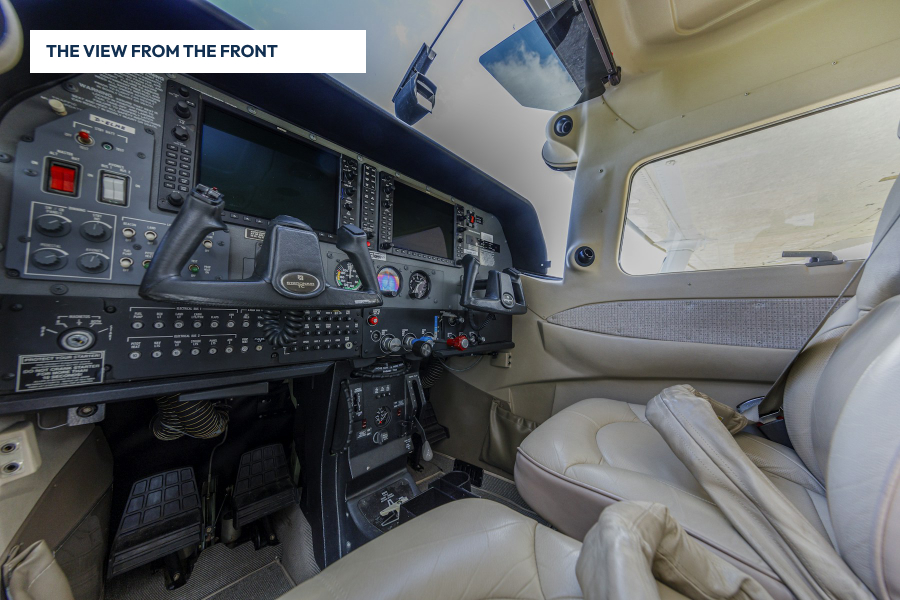
10 best gift ideas for flight simulator enthusiasts
Flight-simulator enthusiasts can be as particular about their setup as pilots are about cockpit equipment.
Read the guide →10 flight simulator gift ideas for beginners
A beginner does not need a room full of controls to find out whether flight simulation is enjoyable.
Read the guide →10 flight simulator gift ideas for a small desk or shared room
A compact simulator setup needs equipment that can be stored, mounted, and cleared away without taking over the room.
Read the guide →